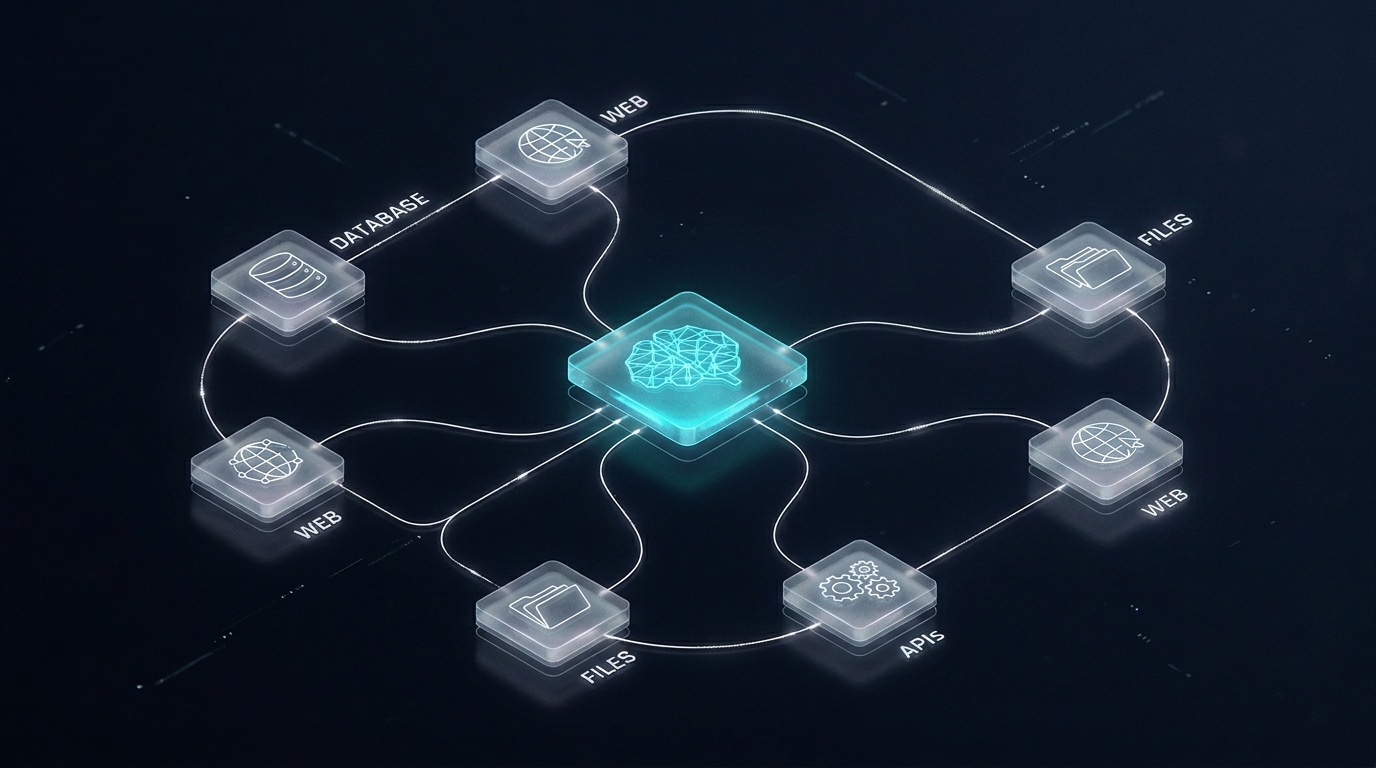

Building your first AI agent sounds complex. It's not — if you understand the four parts that every agent needs and how they wire together. This guide walks you through the full build, from choosing a framework to running your agent in production.
Before You Start: What You're Actually Building
An AI agent is a loop:
- Observe — read the current state (user input, tool results, memory)
- Reason — the LLM decides what action to take next
- Act — call a tool (search, write file, call API, run code)
- Repeat — until the goal is reached or the agent decides it's done
Everything you build is in service of making this loop reliable, fast, and safe.
Step 1: Choose Your Framework
You don't build an agent from scratch. You pick a framework that handles the loop infrastructure, and you fill in the logic.
The three main options in 2026:
LangGraph — best for production. Graph-based state machine — you define nodes (reasoning steps) and edges (transitions). Excellent for complex multi-step agents where you need control over state and branching. Steeper learning curve but the most robust.
Claude Agent SDK (Anthropic) — best for simplicity. Designed specifically for Claude models. Tool-calling, memory, and the ReAct loop are handled out of the box. Fastest way to get from zero to a working agent. Less control than LangGraph but enough for most use cases.
AutoGen (Microsoft) — best for multi-agent. Designed for systems where multiple specialised agents collaborate. Good for research/analysis workflows but heavier to configure for single-agent tasks.
For your first agent: start with the Claude Agent SDK or a simple LangGraph setup. Add complexity only when you need it.
Step 2: Define Your Goal Clearly
Agents fail when the goal is vague. Before writing code, write a one-paragraph spec:
- What is the input? (a user message, a file, a scheduled trigger)
- What is the output? (a written file, a sent email, a database update, a report)
- What are the steps in between? List them manually first.
- What can go wrong? Define failure modes upfront.
A well-specified goal makes tool design and prompt writing 10x easier.
Step 3: Design Your Tools
Tools are functions the LLM can call. Each tool needs: - A clear name (the LLM uses the name to decide when to call it) - A description (a sentence explaining what it does and when to use it) - Typed inputs and outputs - Error handling that returns a useful message, not a stack trace
Example tool definitions (Python):
def search_web(query: str) -> str:
    """Search the web for current information. Use when you need facts,
    news, or data not in your training knowledge."""
    # ... implementation
    return results_as_string

def write_file(path: str, content: str) -> str:
    """Write content to a file on disk. Use when the task requires
    saving output to a specific location."""
    # ... implementation
    return f"Written to {path}"

def send_email(to: str, subject: str, body: str) -> str:
    """Send an email. Only call this when explicitly instructed to send,
    not just to draft."""
    # ... implementation
    return "Email sent"
Golden rule for tools: each tool should do one thing and do it well. Don't build a "do everything" tool — the LLM won't know when to use it.
Step 4: Write the System Prompt
The system prompt is the most important piece of your agent. It tells the LLM: - What it is and what its goal is - What tools are available and when to use each - What it should NOT do (guardrails) - How to format its output
A minimal but effective system prompt structure:
You are an [agent name]. Your goal is to [objective].

You have access to the following tools:
- search_web: use when you need current information
- write_file: use when you need to save output
- send_email: use ONLY when the user explicitly asks to send

Rules:
- Always verify information before including it in output
- Never send emails without explicit user confirmation
- If you are unsure, ask rather than guess
- Complete the full task before stopping
Step 5: Build the Reasoning Loop
With Claude Agent SDK:
import anthropic

client = anthropic.Anthropic()
tools = [search_web_schema, write_file_schema, send_email_schema]

messages = [{"role": "user", "content": user_goal}]

while True:
    response = client.messages.create(
        model="claude-opus-4-6",
        max_tokens=4096,
        system=SYSTEM_PROMPT,
        tools=tools,
        messages=messages,
    )

    if response.stop_reason == "end_turn":
        # Agent is done
        break

    if response.stop_reason == "tool_use":
        # Process tool calls
        tool_results = []
        for block in response.content:
            if block.type == "tool_use":
                result = call_tool(block.name, block.input)
                tool_results.append({
                    "type": "tool_result",
                    "tool_use_id": block.id,
                    "content": result,
                })
        # Add assistant response and tool results to messages
        messages.append({"role": "assistant", "content": response.content})
        messages.append({"role": "user", "content": tool_results})
This is the core loop. Everything else is configuration around this.
Step 6: Add Memory
For tasks that span a single session, the message history IS your memory. For agents that need to remember across sessions:
Vector memory (semantic recall): Store important outputs in a vector database (Pinecone, Qdrant, or pgvector). At the start of each session, retrieve the most relevant past context using semantic search and inject it into the system prompt.
Structured memory: For simpler needs — user preferences, completed tasks, key facts — a JSON file or SQLite table is often enough. Load it at session start, update it at session end.
Step 7: Test Before You Trust
Test your agent with: - Happy path: the task goes as expected - Tool failure: a tool returns an error — does the agent recover or loop? - Ambiguous input: underspecified goal — does the agent ask for clarification or hallucinate? - Edge cases: empty inputs, very long inputs, unexpected formats
Run at least 20 test cases before deploying anything that touches external systems (email, databases, APIs).
Step 8: Add Guardrails for Production
Before letting an agent run unsupervised:
- Max iterations: cap the loop at N steps. An agent stuck in a loop will burn tokens and potentially cause damage.
- Confirmation steps: for irreversible actions (send, delete, post), require explicit confirmation or a human-in-the-loop checkpoint.
- Output validation: check that the agent's final output meets your quality criteria before it's used.
- Logging: log every tool call, every LLM response, every error. You need this when something goes wrong.
What to Build First
If you're new to agents, start with something low-stakes and reversible: - A research agent that searches the web and writes a markdown report - A document summariser that reads a folder of PDFs and outputs a brief - A data extraction agent that pulls structured data from unstructured text
These give you experience with the loop without risking broken production systems.
Next Steps
- Best AI Agent Frameworks Compared: LangGraph vs AutoGen vs Claude SDK — deeper dive on framework choice
- MCP Server Tutorial — connect your agent to any tool via the Model Context Protocol
- LangGraph Tutorial — build a production-grade multi-step agent with state management
Need to build an agent for your business but don't want to build it yourself? Power Digital builds custom AI agents for Singapore companies — from scoping to production deployment.