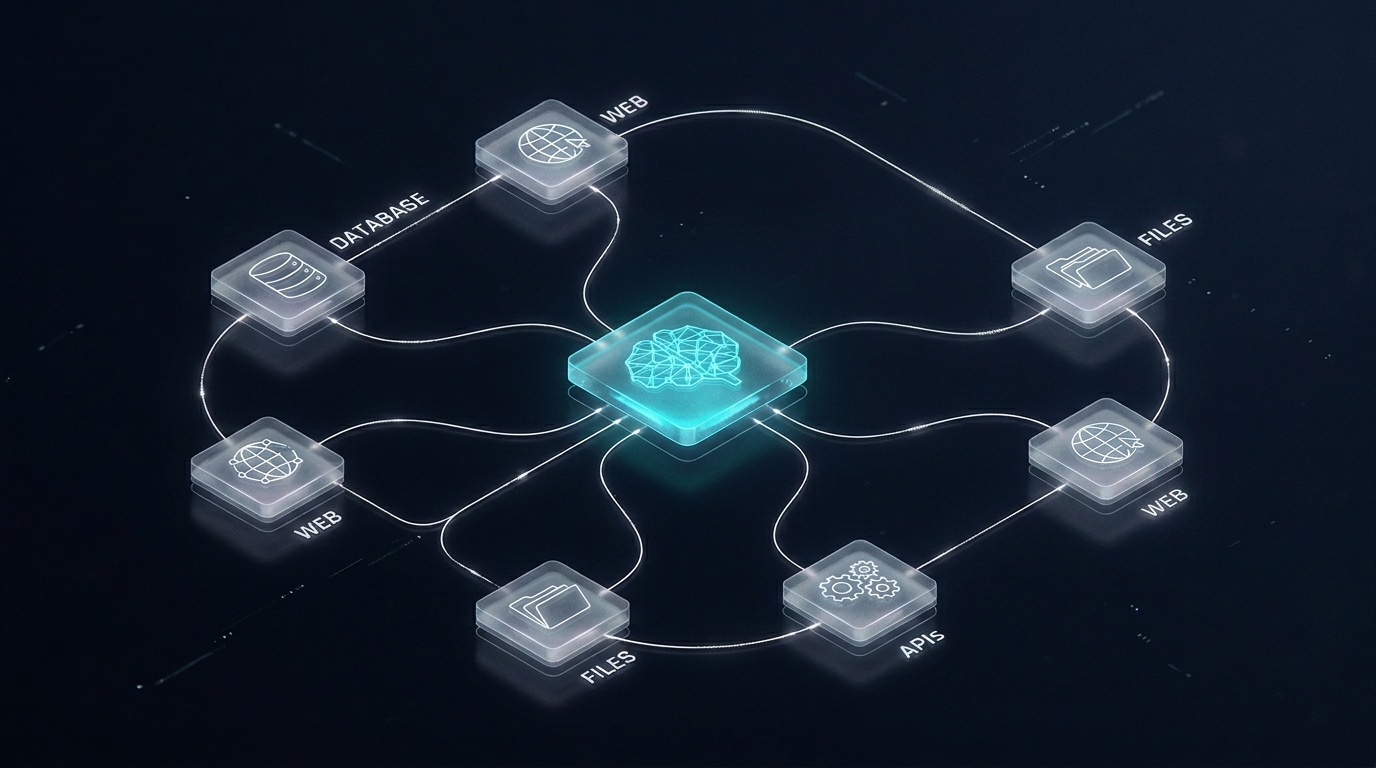
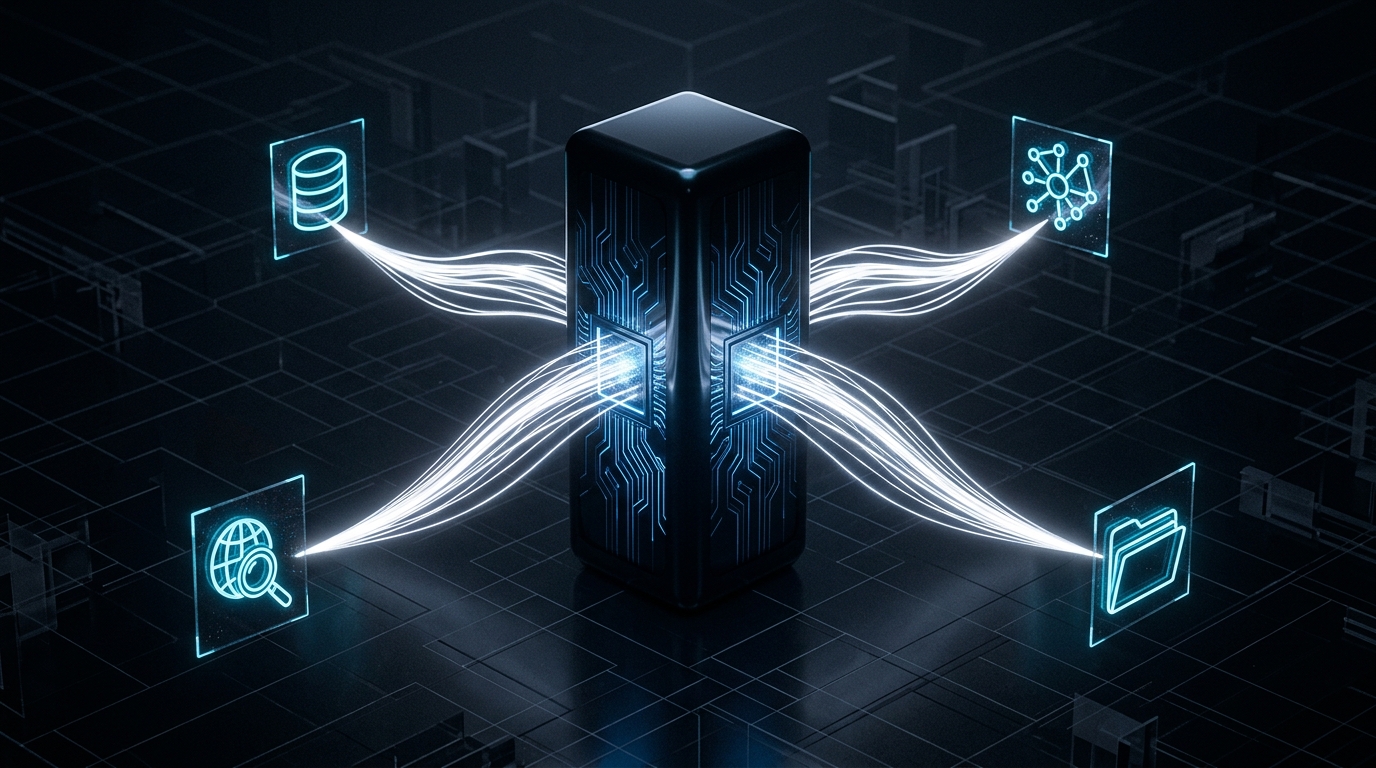
The Model Context Protocol (MCP) is Anthropic's open standard for connecting AI models to external tools and data sources. Instead of writing a custom integration for every LLM and every tool, you write one MCP server and any MCP-compatible client can use it.
What Is MCP?
MCP defines a standard protocol for three things: Tools (functions the LLM can call), Resources (data the LLM can read), and Prompts (reusable prompt templates).
Prerequisites
Python 3.10+, an Anthropic API key, and pip install mcp anthropic.
Step 1: Create the Server
from mcp.server import Server
from mcp.server.stdio import stdio_server
from mcp import types

app = Server("my-first-mcp-server")

@app.list_tools()
async def list_tools():
    return [types.Tool(
        name="get_weather",
        description="Get current weather for a city.",
        inputSchema={"type":"object","properties":{"city":{"type":"string"}},"required":["city"]}
    )]

@app.call_tool()
async def call_tool(name: str, arguments: dict):
    if name == "get_weather":
        city = arguments["city"]
        return [types.TextContent(type="text", text=f"Weather in {city}: 28C, sunny")]
    raise ValueError(f"Unknown tool: {name}")

if __name__ == "__main__":
    import asyncio
    asyncio.run(stdio_server(app))
Step 2: Test with MCP Inspector
npx @modelcontextprotocol/inspector python server.pyStep 3: Connect to Claude Desktop
Add to ~/Library/Application Support/Claude/claude_desktop_config.json:
{"mcpServers":{"my-server":{"command":"python","args":["/path/to/server.py"]}}}Step 4: Add Resources
@app.list_resources()
async def list_resources():
    return [types.Resource(uri="data://catalog","name":"Product Catalog","mimeType":"text/plain")]

@app.read_resource()
async def read_resource(uri: str):
    if uri == "data://catalog":
        return "Product A: $99
Product B: $149"
Useful Patterns
Database MCP server: Expose SQL queries as tools with validated parameters.
Internal docs server: Expose Confluence or Notion pages as resources Claude can read on demand.
API wrapper server: Wrap any REST API so every agent in your organisation can use your CRM without custom integrations.
Building MCP servers for your business systems? Power Digital can design and build your integration layer.