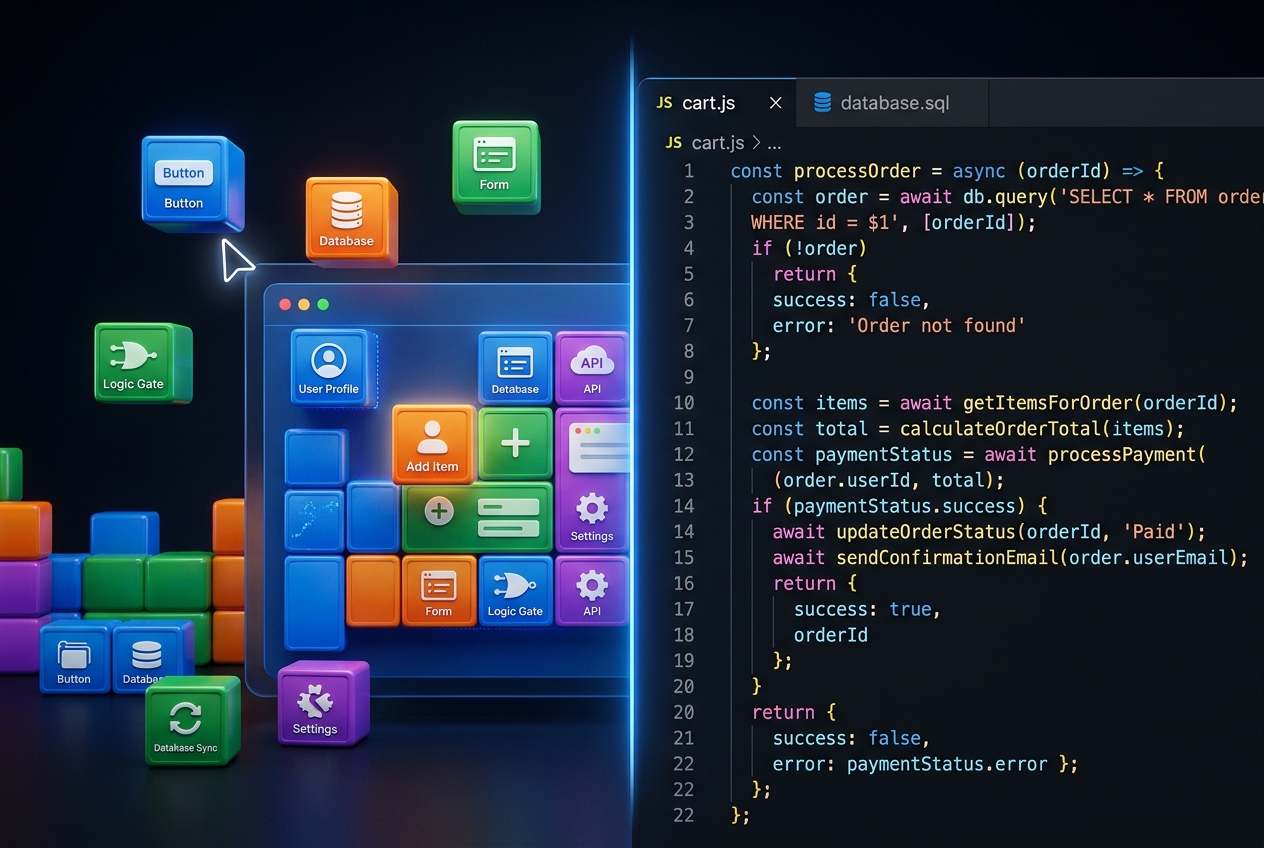

Flutter on the web has been viable for a few years, but Flutter compiled to WebAssembly (WASM) changes the game. Instead of running as JavaScript, your Flutter app compiles to near-native binary code that runs directly in the browser VM. The result: performance that rivals native apps on web, with the same codebase you use for iOS and Android.
What Is Flutter WASM?
WebAssembly (WASM) is a binary instruction format that modern browsers can execute at near-native speed. Flutter's WASM compilation target, available since Flutter 3.22 (mid-2024), compiles your Dart code to WASM rather than JavaScript. This eliminates the JavaScript bridge overhead and produces significantly smoother animations and faster computation-heavy tasks in the browser.
Current Status (2026)
Flutter WASM is production-ready for most use cases as of Flutter 3.27+. Browser support covers Chrome, Edge, Firefox (with flag in some older versions), and Safari 16.4+. The main remaining limitation is that some platform channels (device-specific APIs) require JavaScript interop bridges, but for UI-heavy web apps this is rarely a blocker.
When to Use Flutter WASM
Best fit: Web applications that need smooth, complex UI — dashboards with real-time data visualisation, graphic-heavy productivity tools, interactive simulations, and any app where you want the same codebase to deploy to iOS, Android, and web without writing three separate codebases.
Not the best fit: Content-heavy public websites where SEO is critical. Flutter WASM apps are not rendered as HTML — they render to a Canvas element, which means search engines see a blank canvas rather than structured content. Use Next.js or standard HTML for your marketing site and Flutter WASM for the app behind the login.
Setting Up Flutter WASM
# Ensure Flutter 3.22+ with WASM support
flutter upgrade
flutter --version

# Build for web with WASM
flutter build web --wasm

# Test locally
flutter run -d chrome --wasm
Performance Comparison
In benchmarks on compute-heavy tasks (sorting 100K items, rendering 60fps animations), Flutter WASM typically shows 2–5x speedup over Flutter's JavaScript renderer. For typical business app UI, the difference is visible — particularly in animation smoothness and response to fast user interactions.
For comparison to React or Vue web apps: Flutter WASM is generally faster on UI rendering, comparable on data fetching (both are network-bound), and slower on initial load time because the WASM binary is larger than a well-optimised JavaScript bundle.
Deployment
Flutter WASM builds produce a set of static files (HTML, WASM binary, assets). These deploy anywhere that serves static files: Vercel, Netlify, Firebase Hosting, AWS S3 + CloudFront, or your own nginx server. No server-side rendering required.
flutter build web --wasm
# Output in build/web/
# Deploy build/web/ to your static host
WASM vs Standard Flutter Web
Flutter's existing JavaScript web renderer (Canvaskit) is still available and has broader browser support. Use WASM when you need the performance headroom and can accept the slightly larger initial bundle. Use the JS renderer when broader compatibility matters or bundle size is a concern.
Power Digital builds Flutter applications for web, iOS, and Android. See our app development services →